Software Doesn’t Fix Chaos, It Exposes It
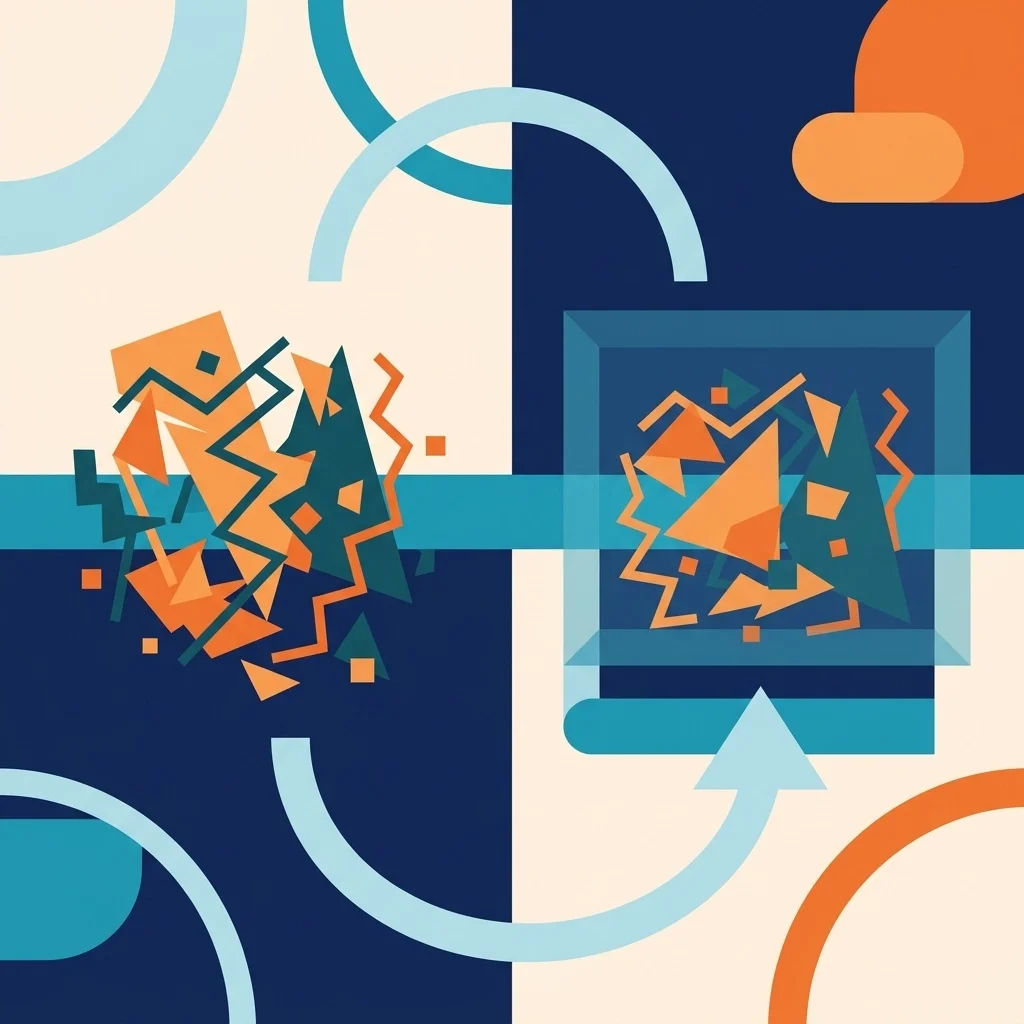
You’ve seen the ads. You’ve heard the pitches. "Streamline your workflow!" "Automate your business!" "Save ten hours a week!"
It sounds like magic. You’re stressed, your crew is disorganized, and your paperwork looks like a game of Jenga that’s one breeze away from a total collapse. So, you do what any modern business owner does: you go shopping for software.
You find a tool, pay the subscription fee, and wait for the "chaos" to disappear.
But three weeks later, you’re more stressed than before. The software is giving you alerts you don’t understand. Your team isn’t using it right. The data looks like a mess. Instead of fixing the chaos, the software just shone a high-powered spotlight on it.
Here is the hard truth: Software doesn’t fix chaos. It exposes it.
The "Silver Bullet" Myth
Most small business owners treat software like a silver bullet. They think the tool itself contains the "solution."
In reality, software is just an amplifier. If you have a clean, efficient process, software makes it faster and more scalable. If you have a messy, broken process, software makes it messier and faster.
Think of it like this: If you’re a terrible cook, buying a $5,000 professional oven isn’t going to make your food taste better. It’s just going to help you burn your dinner more efficiently.
Business operations work the same way. Before you can automate, you have to organize. Before you can track, you have to define what’s worth tracking. Many owners fall into the trap of making ideas happen without first building the foundation to support them.
Why Software Makes Chaos Worse
When you introduce a digital tool into a chaotic environment, a few things happen: none of them are good.
1. Garbage In, Garbage Out
Software runs on data. If your team doesn't have a clear process for when to clock in, how to log travel time, or how to report job progress, they’re going to enter random information into the app. Now, instead of having a vague "feeling" that things are messy, you have a digital report that is factually wrong.
2. Artificial Acceleration
As research suggests, automation doesn't correct chaos; it accelerates it. If your process for ordering materials is broken, an automated system will just order the wrong materials ten times faster.
3. The Complexity Tax
Every piece of software has a learning curve. If your business is already in a state of "firefighting" mode, adding a complex tool to the mix is like trying to learn to play the violin while your house is on fire. You don’t have the mental bandwidth to set it up correctly, so you half-bake the implementation, which leads to more errors.
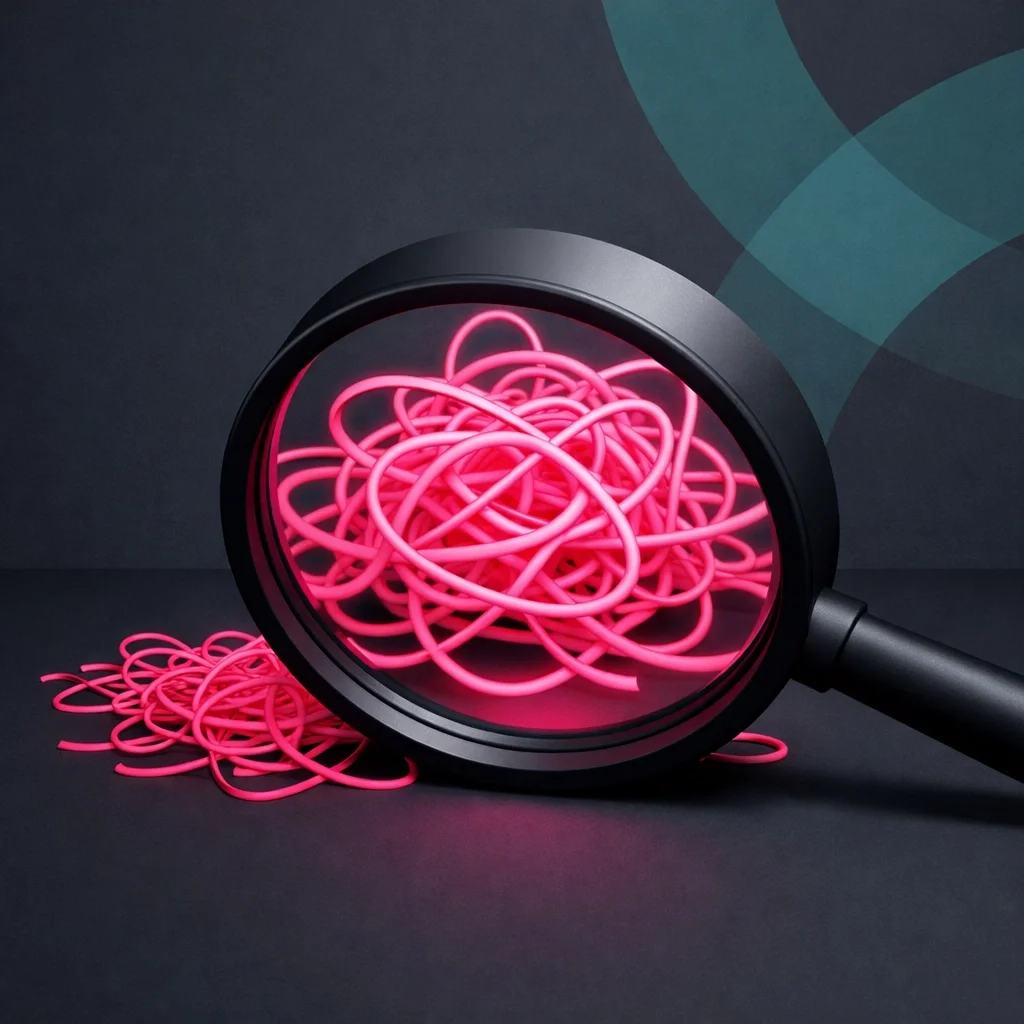
How to Tell if You Have a "Software Problem" or a "Process Problem"
Before you blame the app or cancel your subscription, ask yourself these questions:
Can I explain this process on a napkin? If you can’t draw how a job goes from "lead" to "paid" using a pen and a napkin, no software in the world can help you. You don’t have a workflow; you have a series of lucky accidents.
Is the team confused by the tool or the task? If your crew doesn't know what to do, the tool won't tell them. But if they know their job and just find the tool clunky, that’s a software issue.
Are you measuring the right things? People often get caught up in "vanity metrics." You need to only improve what you measure, but you have to measure the stuff that actually affects your bottom line.
If you find that your team is constantly "busy" but nothing is getting done, you might be suffering from the idea that busy does not equal effective.
Fix the Process, Then Apply the Tool
So, what’s the move? Do you delete all your apps and go back to a clipboard and a No. 2 pencil?
Not quite. You just need to flip the order of operations.
Step 1: Simplify
Before you touch a keyboard, look at your mess. Where are the bottlenecks? Why is the paperwork late? Usually, it’s because the process is too complicated. Strip it down. If you’re overwhelmed, remember how to eat an elephant: one bite at a time. Fix one small thing this week. Maybe it’s just how you track mileage. Just one thing.
Step 2: Standardize
Once you have a simple way of doing things, write it down. It doesn't have to be a 50-page manual. A checklist on the wall or a pinned message in a group chat works. "This is how we do X." When everyone does it the same way, you have a "standard."
Step 3: Implement
Now: and only now: do you bring in the software. Now the software has a job to do. Its job isn't to "fix the business." Its job is to house the process you already built.
When you use Labor Sync, for example, it shouldn't be the thing that teaches your crew to be on time. It should be the tool that proves they are on time and makes it easier for them to report it.

The Execution Gap
The distance between having a great idea for your business and actually seeing it work is called the execution gap. Most people try to bridge that gap with software. They think, "If I buy this CRM, I'll finally be organized."
But software is just a bridge. If the land on both sides of the bridge is a swamp, the bridge isn't going to help you much. You’ll just be standing on a bridge in the middle of a swamp.
You have to drain the swamp first. You have to decide how you want your business to run. Software is the infrastructure that supports those decisions; it is not the decision-maker.
The Mirror Effect
One of the most painful parts of implementing new software is that it acts as a mirror. It shows you exactly where your management is failing.
If the software shows that your labor costs are 20% higher than you estimated, the software didn't "cause" that cost. It just stopped you from being able to ignore it. This is why some owners hate new tech: it removes the "blissful ignorance" of a messy desk.
But as we always say, ignoring the truth is the most expensive thing you can do. Whether it's ignoring a broken process or ignoring feedback, the cost always comes due.

Conclusion: Tool vs. Solution
A hammer is a tool. It is not a house. You can give a hammer to a master carpenter and he’ll build a mansion. You can give a hammer to a toddler and he’ll put a hole in your drywall.
The hammer didn't change. The person using it did.
Software like Labor Sync is a powerful hammer. It can help you track time, manage crews, and see your job sites in real-time. But you have to be the carpenter. You have to decide what the "house" looks like.
If you’re feeling overwhelmed by the "chaos" in your business, take a step back. Stop looking for a new app for ten minutes. Look at your process. Fix the flow. Then, use the software to lock that flow in place.
That’s how you turn chaos into a machine.