Tech Trends in Mobile Workforce Management
Remember when "technology" for field crews meant a clipboard that wasn't falling apart? Maybe a two-way radio if you were fancy? Those days feel like ancient history now, and honestly, good riddance.
The tech landscape for mobile workforces has shifted dramatically. But here's the thing: the best changes aren't the flashy ones. They're the quiet improvements that happen in the background while your crew is just... doing their job.
Let's talk about what's actually trending in mobile workforce management and why the smartest tech is the kind you barely notice.
Related Podcast: Episode 59: Tech Trends in Mobile Workforce Management
The Rise of "Invisible" Technology
Here's a weird truth about technology: the better it gets, the less you should have to think about it.
Think about your smartphone. You don't manually connect to WiFi networks anymore, it just happens. You don't think about syncing your photos to the cloud. It's automatic. That's the direction workforce management tech is heading, and it's about time.
The old way? Clunky software that required training manuals thicker than a phone book. Systems that crashed when you needed them most. Apps that felt like they were designed by someone who'd never actually worked in the field.
The new way? Tools that fade into the background. They capture what needs to be captured, sync what needs to be synced, and stay out of your crew's way so they can focus on the actual work.
Over 80% of organizations now demand mobile solutions for their distributed teams. But the smart ones aren't just looking for "an app", they're looking for solutions that don't add more friction to an already complicated day.
GPS Automation: Location Without the Hassle
Let's address the elephant in the room. GPS tracking can feel a little... Big Brother-ish. Nobody wants to feel like they're being watched every second of every shift.
But here's where modern GPS automation gets it right: it's not about surveillance. It's about removing manual steps that waste everyone's time.
Instead of your crew manually logging when they arrive at a job site, GPS automation handles it. The system recognizes they've arrived, timestamps it, and moves on. No extra taps. No forgetting to clock in. No disputes at the end of the week about who was where and when.
This is huge for industries like construction and landscaping where crews bounce between multiple sites in a single day. The old way meant someone had to remember to log every stop. The new way? It just happens.
And the data that comes from this isn't about catching people slacking. It's about making better decisions, understanding travel time between jobs, optimizing routes, and seeing where time actually goes versus where you think it goes.
Mobile-First Design (Finally)
For years, "mobile apps" in workforce management meant taking desktop software and cramming it onto a smaller screen. It was like trying to fit a couch through a doggy door. Technically possible, but ugly and painful.
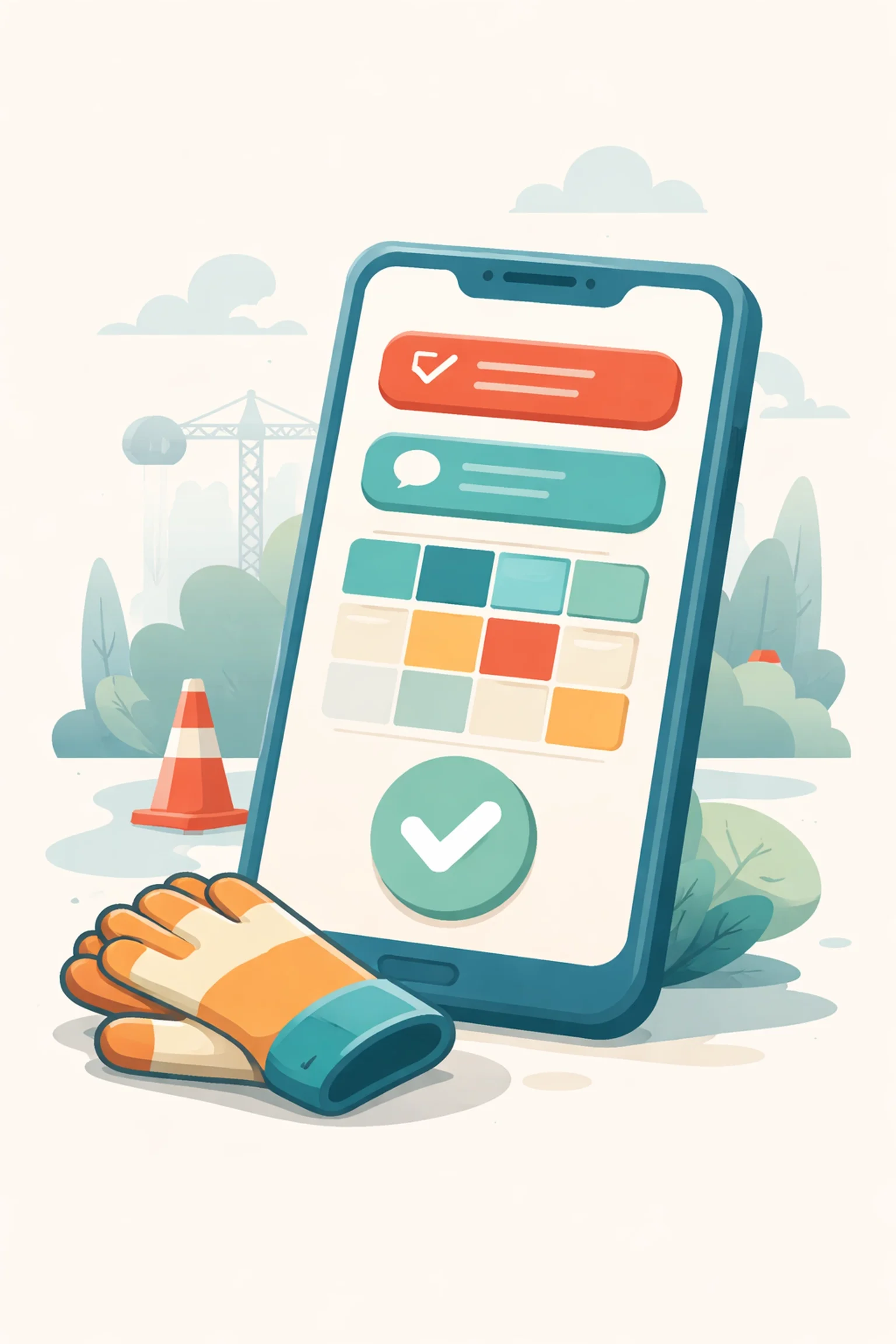
True mobile-first design flips that script. The phone isn't an afterthought, it's the starting point. Everything is designed around what makes sense when you're standing in a parking lot with dirty hands and three minutes before your next task.
What does mobile-first actually look like in practice?
Big buttons you can tap with gloves on
Minimal typing (because nobody wants to write a novel on their phone)
Offline functionality for job sites with spotty cell service
Quick access to the stuff you actually need, schedules, job details, time tracking
Companies with mobile self-service options are seeing 34% higher retention rates among younger workers. That's not surprising. Gen Z grew up with intuitive apps. Hand them a clunky system that feels like it was built in 2008, and they'll start looking for the exit. (Speaking of which, if you're wondering why good employees quit, outdated tools are definitely on that list.)
Real-Time Syncing: Everyone on the Same Page
Here's a scenario that probably sounds familiar: You make a schedule change at 7 AM. By 9 AM, half your crew has the update and half is still working off the old version. Chaos ensues. Someone shows up at the wrong site. Customers get frustrated. You spend your morning putting out fires instead of actually managing.
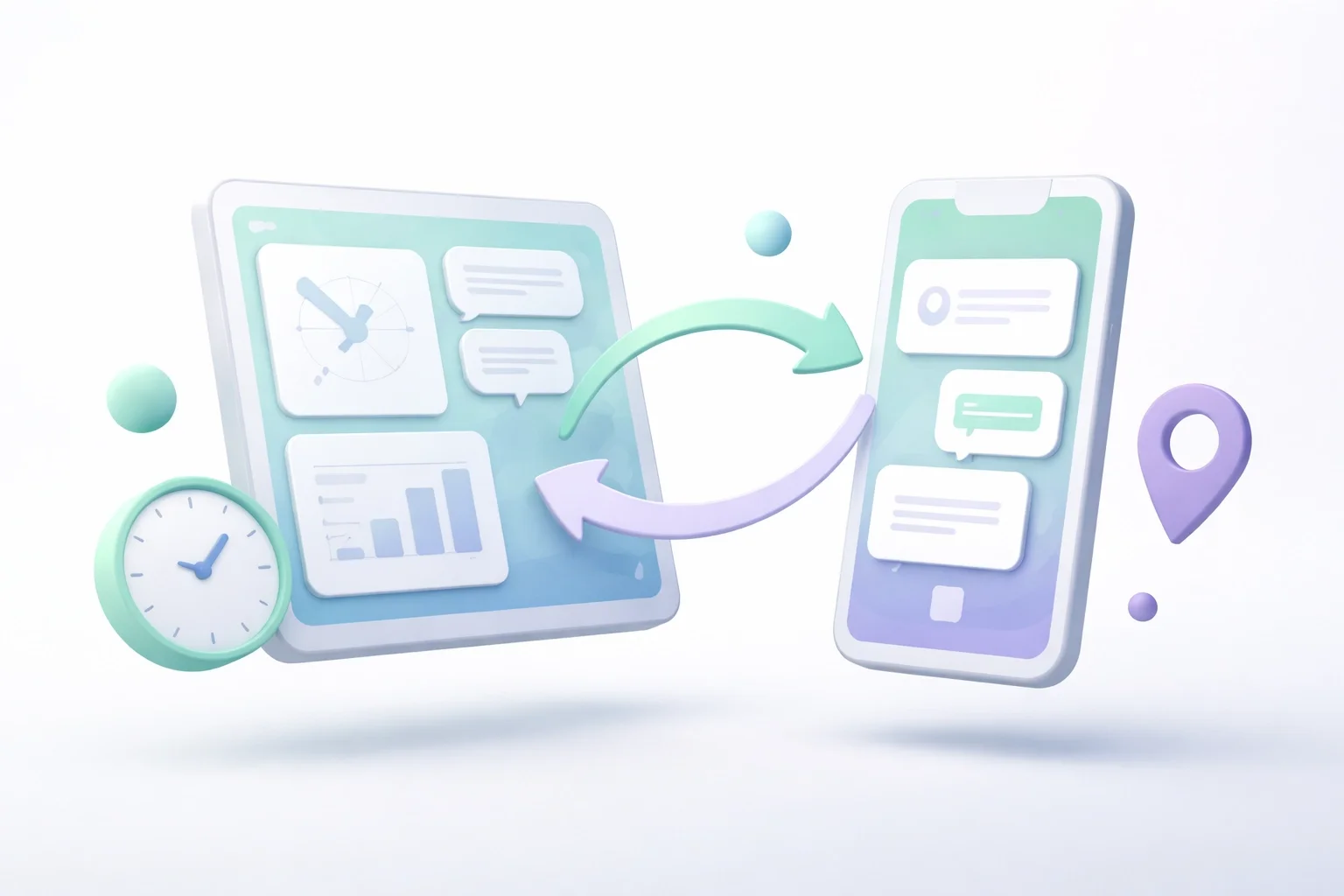
Real-time syncing fixes this. Changes made in the office show up on phones in the field, immediately. Not "within the next few hours." Not "after they restart the app." Right now.
This matters more than ever because field operations are dynamic. Jobs get rescheduled. Priorities shift. Weather happens. When your communication system has a lag, that lag creates confusion. And confusion costs money.
Organizations using modern mobile workforce solutions report up to 90% fewer scheduling errors. That's not a small improvement. That's the difference between a smooth day and a disaster.
Real-time syncing also means the data flowing back from the field is fresh. When a job is marked complete, you know immediately. When hours are logged, they're in the system now, not at the end of the week when someone remembers to submit their paper timesheet. (If you're still on paper, it might be time to have a conversation about that.)
Moving Away from Manual Logs
Manual logging was never really about capturing data. It was about creating evidence. Proof that work happened. Documentation for payroll. Records for billing.
The problem is, manual logs are only as good as the human filling them out. And humans are busy. They forget. They round up. They scribble things that become illegible two days later. They write "Tuesday" when they meant "Thursday."
The trend now is toward automatic capture. The system logs what it can observe directly, arrival times, departure times, job durations, so your crew doesn't have to. This removes that mental weight of remembering to document everything. And it produces cleaner data because machines don't have bad handwriting.
Some organizations report spending 75% less time on scheduling alone after switching to automated systems. That's time back in your day. Time you can spend on the work that actually requires a human brain, like problem-solving, customer relationships, and growing the business.
What This Means for Your Crew
Technology trends are nice to read about, but here's the question that actually matters: does this help the people in the field?
The answer, when it's done right, is yes. Less fumbling with apps means more focus on the job. Automatic tracking means no end-of-week scramble to reconstruct timesheets. Real-time updates mean fewer "wait, where am I supposed to be?" moments.
It also means fairer systems. When data is captured automatically, there's less room for he-said-she-said disputes. Everyone can see the same information. That kind of transparency is foundational for team morale.
And for managers? You get visibility without having to micromanage. You can see what's happening across your operation without calling every crew leader for updates. The information comes to you: which means you can focus on making decisions instead of hunting down data.
Looking Forward
The direction is clear: technology for mobile workforces is getting quieter, smarter, and more automatic. The goal isn't to add more screens to tap or more fields to fill out. It's to remove friction wherever possible.
The best tools in 2026 and beyond will be the ones your crew doesn't complain about: because they barely notice them. They just work in the background, capturing what matters, keeping everyone synced, and staying out of the way.
If your current systems feel like they're fighting against your crew instead of supporting them, that's a sign. The tech has moved on. Maybe it's time your tools did too.